+1 609-919-9816

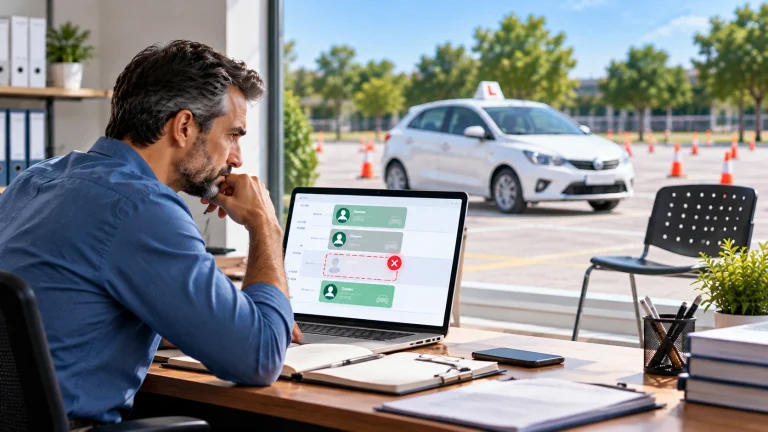
A double booking looks small on paper. In real life, it is a student waiting at the curb for an instructor who is across town, a parent who took time off work for nothing, and a lesson you either refund or squeeze in somewhere else. Do that a few times a month and it shows up in your reviews.
The good news: double bookings are not bad luck. They come from a handful of predictable causes, and each one has a fix.
Why double bookings happen
Most scheduling conflicts at driving schools trace back to one of these:
More than one calendar. The office spreadsheet, an instructor’s phone calendar and a WhatsApp thread each hold part of the truth.
Availability changes by text. An instructor messages “I can’t do Thursday afternoon” and the change never reaches the schedule.
Copy-and-paste edits. Someone duplicates last week’s schedule and forgets to remove a lesson that was cancelled.
No travel time. Back-to-back lessons look fine on a grid, but the pickups are 25 minutes apart.
Shared cars. Two instructors are free, but there is only one car with dual controls.
Classroom and in-car overlap. An instructor is booked to teach a class and a drive at the same hour.
Seven ways to stop scheduling conflicts
1. Keep one calendar as the single source of truth
If a lesson is not in the main schedule, it does not exist. Every booking, change and cancellation goes into one system that the office, instructors and students all read from. Retire the side spreadsheets and private calendars.
2. Let instructors manage their own availability
Instead of texting changes to the office, instructors set their available hours, days off and breaks directly in an app. The schedule then works from real availability, not from what the office remembers.
3. Book against availability, not empty cells
An empty cell in a spreadsheet only means nobody typed anything there. A proper booking checks whether the instructor is working, whether the car is free and whether the student has lessons left in their package before it confirms.
4. Build in travel time between pickups
If your instructors pick students up from home or school, add a buffer between lessons based on distance. Grouping lessons by area on the same day also cuts driving time and late arrivals.
5. Treat vehicles as part of the schedule
A lesson needs an instructor and a car. Track each vehicle like a team member, with its own availability, so two lessons never claim the same car. Add maintenance and inspection days so a car in the shop is never booked.
6. Set clear rules for changes
Decide how late a student can reschedule or cancel, who can move a lesson, and what happens with no-shows. When the rules live in the system, it applies them the same way every time, and staff do not have to argue the case.
7. Have a plan for sick days
When an instructor calls in sick, you need to see every affected lesson at once, find another available instructor or slot, and notify each student in minutes. Doing this by phone is where new double bookings are born.
Quick reference: conflicts and fixes
| Conflict | Usual cause | Fix |
|---|---|---|
| Two students booked with one instructor | Two calendars, or a manual edit | One shared schedule with automatic conflict checks |
| Instructor booked on a day off | Availability changed by text | Instructors set availability in their own app |
| Instructor late for every afternoon lesson | No travel time between pickups | Buffers between lessons, grouped by area |
| Two lessons, one car | Vehicles not tracked | Vehicles booked as resources |
| Class and drive at the same hour | Classroom schedule kept separately | Classroom and in-car lessons in one calendar |
| Student books with no lessons left | Balance tracked in a separate sheet | Booking checks the student’s package first |
What good scheduling software checks before it confirms a lesson
Before a booking goes through, the system should check:
- The instructor is working at that time and has no other lesson or class
- There is enough travel time from the previous pickup
- A suitable car is free and not due for maintenance
- The student has lessons left in their package, or has paid
- The lesson fits your school’s rules, such as maximum lessons per day for one student
If any check fails, the booking stops before it becomes a problem on the road.
Frequently asked questions
Can students book lessons themselves without causing conflicts?
Yes, as long as they book from real availability. A student app that only shows open slots, checked against instructors and cars, is safer than an office taking bookings by phone.
What is the fastest fix if I am still on spreadsheets?
Make one schedule the official one and lock down who can edit it. Then ask instructors to send availability changes to one person only. It will not remove the root cause, but it reduces conflicts while you plan a proper system.
Does scheduling software work for schools with more than one location?
It should. Look for software that shows every location in one view, while letting each office manage its own instructors and cars.
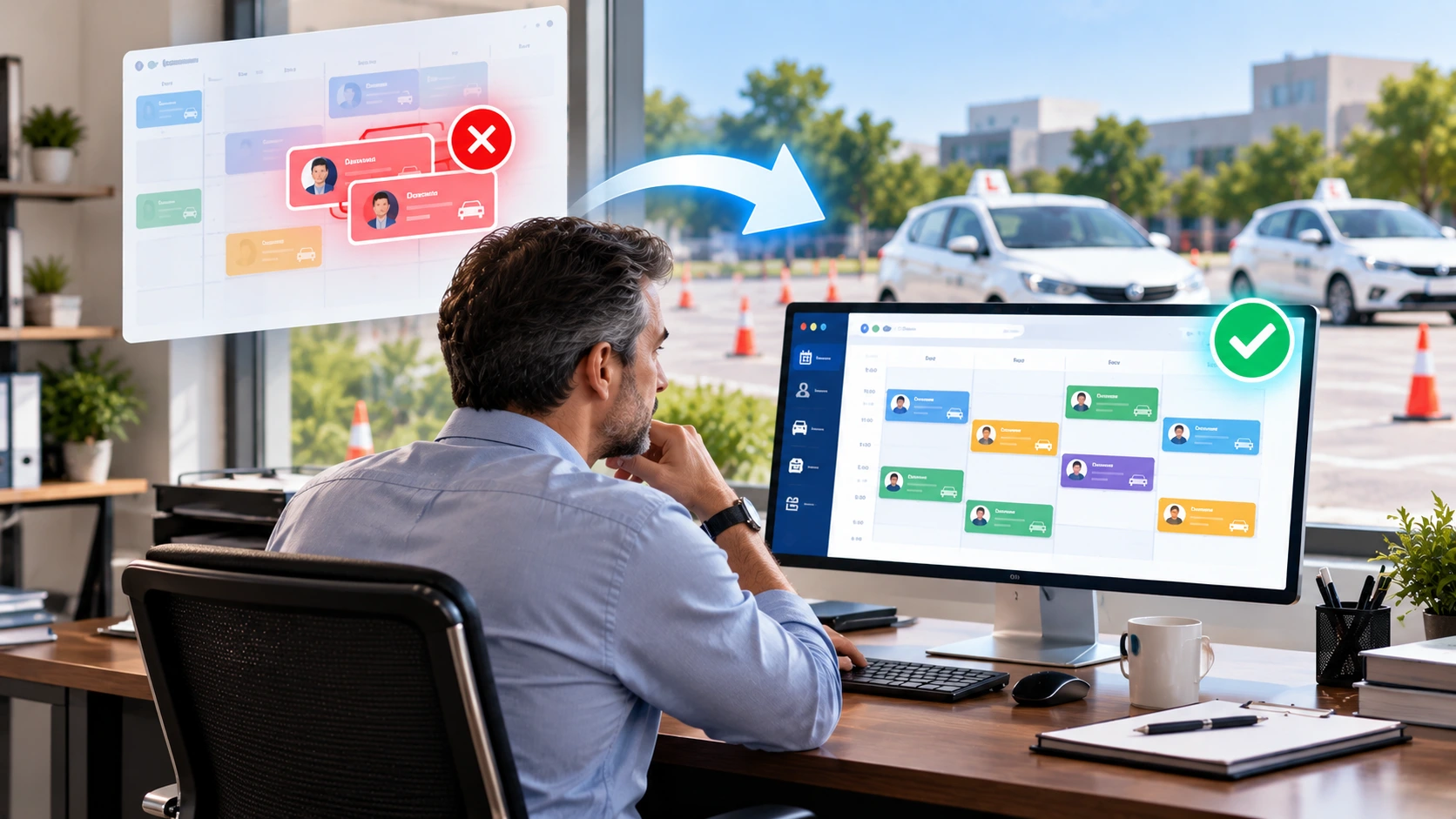
See conflict-free scheduling in action
DrivingSoftware checks instructors, cars, travel time and student packages before any lesson is confirmed, and it follows your school’s own rules. Explore smart scheduling or book a demo to see it with your own schedule.